
Project-based learning
Build real work you can show in interviews.
DESIGN
Create precise 2D and 3D technical drawings and models.
 Taught by Suresh Pillai · AutoCAD Mentor
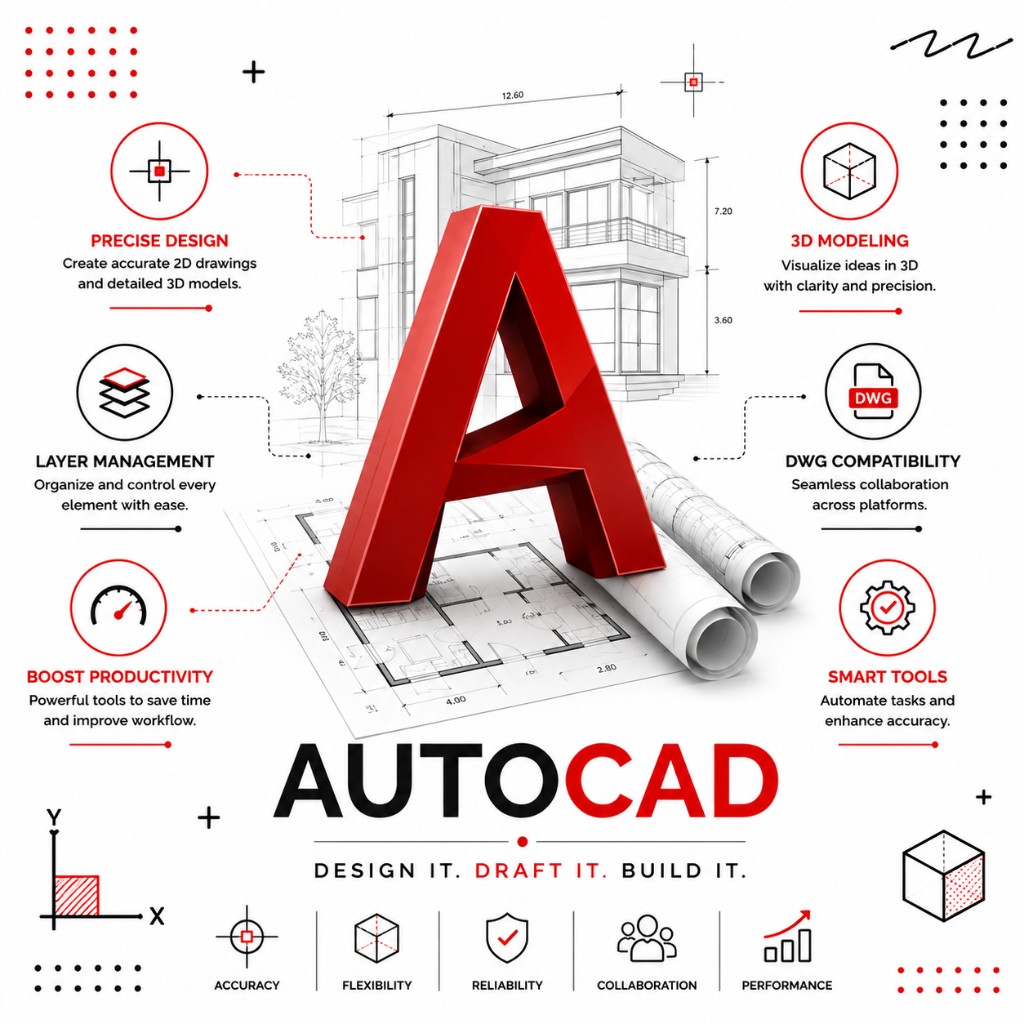
Build real work you can show in interviews.
Revisit lessons anytime after you enroll.
Learn with guidance from industry experts.
Practical modules aligned to real roles.
Overview
Master AutoCAD, the industry standard for design and drafting. Learn to create accurate 2D drawings and 3D models used in engineering, architecture, and manufacturing.
Finish with practical skills and a portfolio-ready project in AutoCAD you can use for jobs, freelancing, or your next role.
Skills
AutoCAD interface and setup
2D drawing and editing
Layers, dimensions and annotations
Blocks and templates
3D modelling basics
Printing and plotting
Audience
Starting AutoCAD from scratch and want a clear path.
Building a portfolio and interview-ready skills.
Upskilling into design roles with practical projects.
Before you start
Syllabus
8 modules · week-by-week topics · labs · certificate on completion
Hands-on lessons and a guided exercise covering autocad basics.
Topics covered
Lab: Practice lab: AutoCAD Basics
Hands-on lessons and a guided exercise covering drawing tools.
Topics covered
Lab: Practice lab: Drawing Tools
Hands-on lessons and a guided exercise covering editing & modifying.
Topics covered
Lab: Practice lab: Editing & Modifying
Hands-on lessons and a guided exercise covering layers & properties.
Topics covered
Lab: Practice lab: Layers & Properties
Hands-on lessons and a guided exercise covering dimensioning & text.
Topics covered
Lab: Practice lab: Dimensioning & Text
Hands-on lessons and a guided exercise covering blocks & templates.
Topics covered
Lab: Practice lab: Blocks & Templates
Hands-on lessons and a guided exercise covering intro to 3d modelling.
Topics covered
Lab: Practice lab: Intro to 3D Modelling
Hands-on lessons and a guided exercise covering cad project.
Topics covered
Lab: Practice lab: CAD Project
After the course
By completing this course, you will have the practical skills and a portfolio project in AutoCAD to confidently move forward in your career.
Faculty

Programs
Every lesson is hands-on, screen-shared, and built for real operators.
Next step
Open another course, or call the Madhapur desk if you want a person to walk you through it.
Contact the team