
Project-based learning
Build real work you can show in interviews.
DESIGN
Design intuitive, beautiful digital experiences users love.
 Taught by Meera Nair · UI/UX Mentor
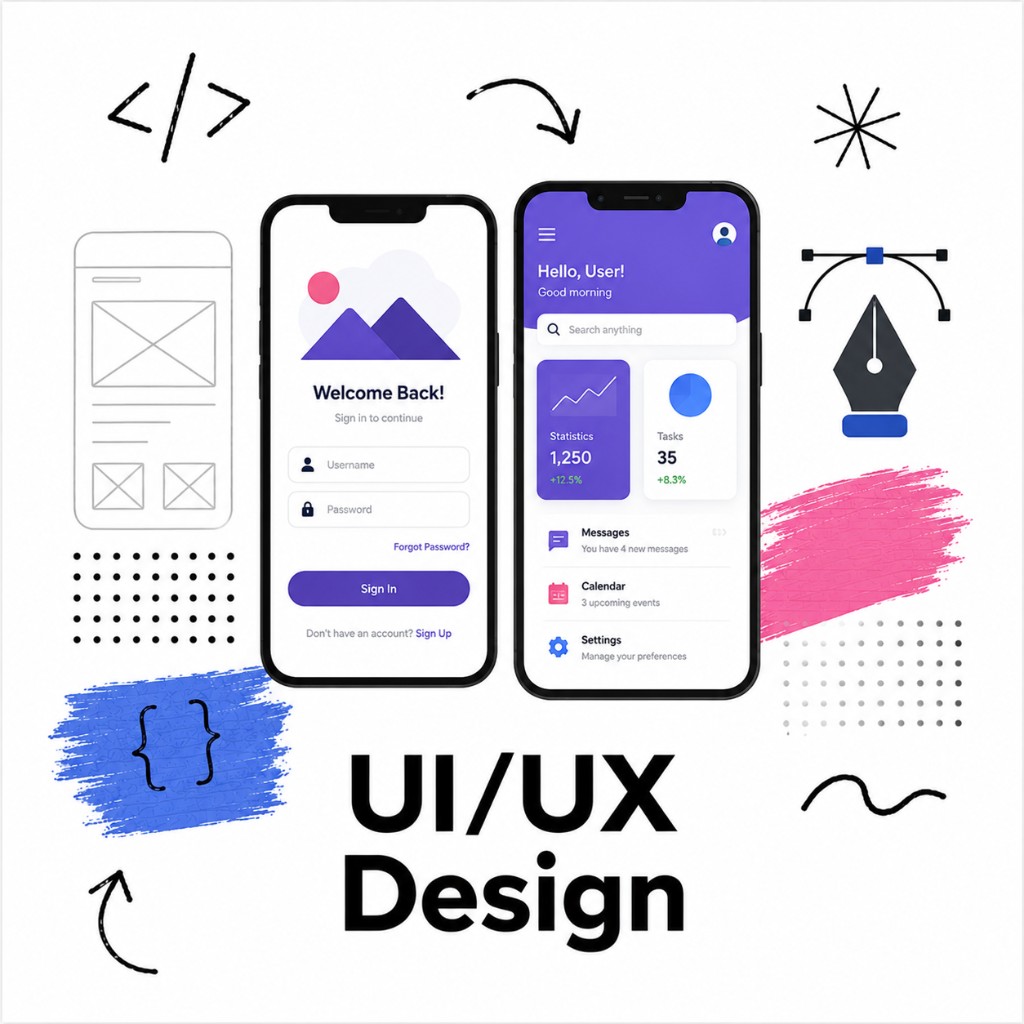
Build real work you can show in interviews.
Revisit lessons anytime after you enroll.
Learn with guidance from industry experts.
Practical modules aligned to real roles.
Overview
Learn the full UI/UX process from research to polished interface. Master Figma, wireframing, prototyping, and design systems while building a portfolio of real product designs.
Finish with practical skills and a portfolio-ready project in UI/UX Design you can use for jobs, freelancing, or your next role.
Skills
UX research and user personas
Wireframing and information architecture
Visual and interface design
Prototyping in Figma
Design systems and components
Usability testing
Audience
Starting UI/UX Design from scratch and want a clear path.
Building a portfolio and interview-ready skills.
Upskilling into design roles with practical projects.
Before you start
Syllabus
8 modules · week-by-week topics · labs · certificate on completion
Hands-on lessons and a guided exercise covering foundations of ux.
Topics covered
Lab: Practice lab: Foundations of UX
Hands-on lessons and a guided exercise covering user research & personas.
Topics covered
Lab: Practice lab: User Research & Personas
Hands-on lessons and a guided exercise covering wireframing & flows.
Topics covered
Lab: Practice lab: Wireframing & Flows
Hands-on lessons and a guided exercise covering visual & ui design.
Topics covered
Lab: Practice lab: Visual & UI Design
Hands-on lessons and a guided exercise covering prototyping in figma.
Topics covered
Lab: Practice lab: Prototyping in Figma
Hands-on lessons and a guided exercise covering design systems.
Topics covered
Lab: Practice lab: Design Systems
Hands-on lessons and a guided exercise covering usability testing.
Topics covered
Lab: Practice lab: Usability Testing
Hands-on lessons and a guided exercise covering portfolio project.
Topics covered
Lab: Practice lab: Portfolio Project
After the course
By completing this course, you will have the practical skills and a portfolio project in UI/UX Design to confidently move forward in your career.
Faculty

Programs
Every lesson is hands-on, screen-shared, and built for real operators.
Next step
Open another course, or call the Madhapur desk if you want a person to walk you through it.
Contact the team